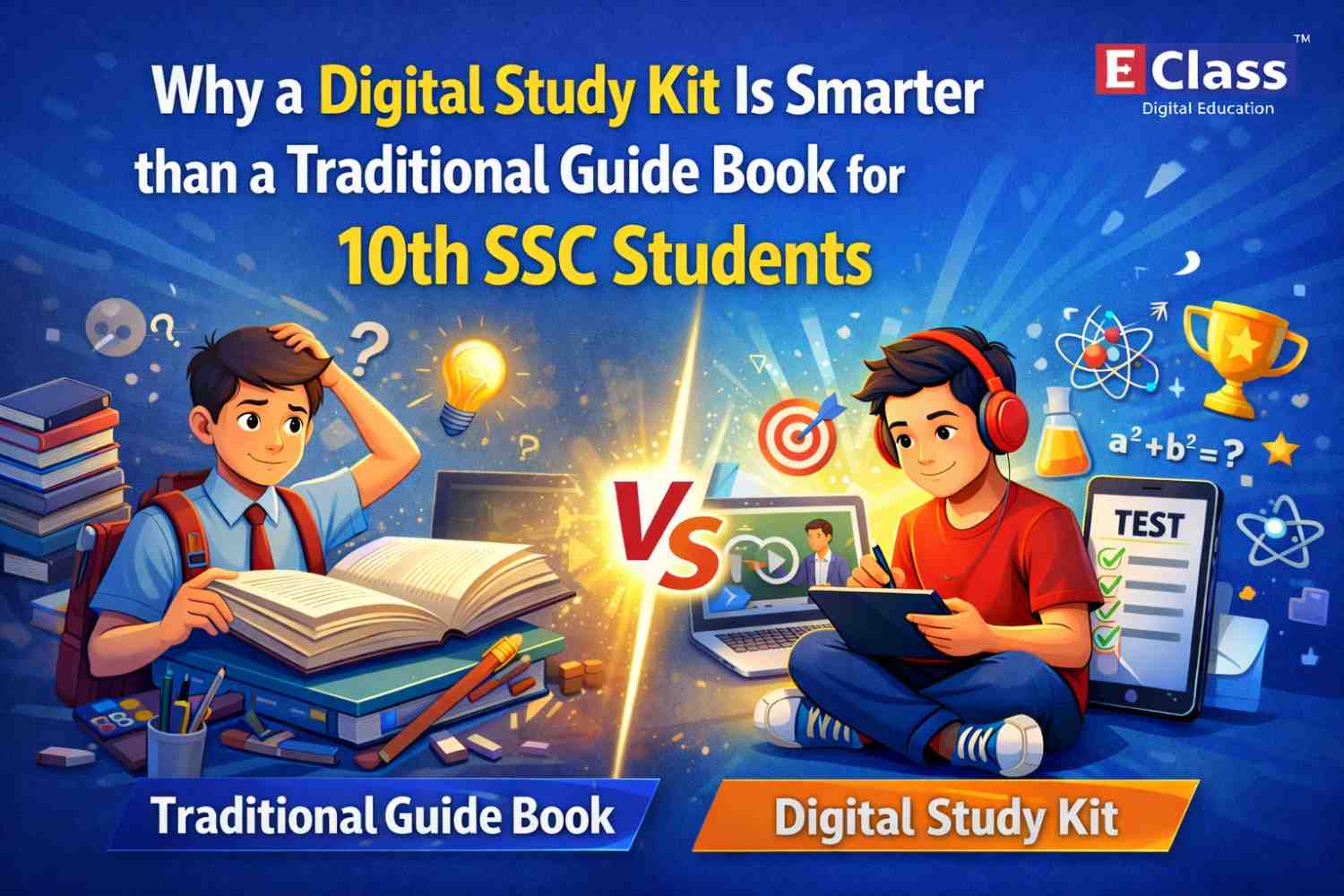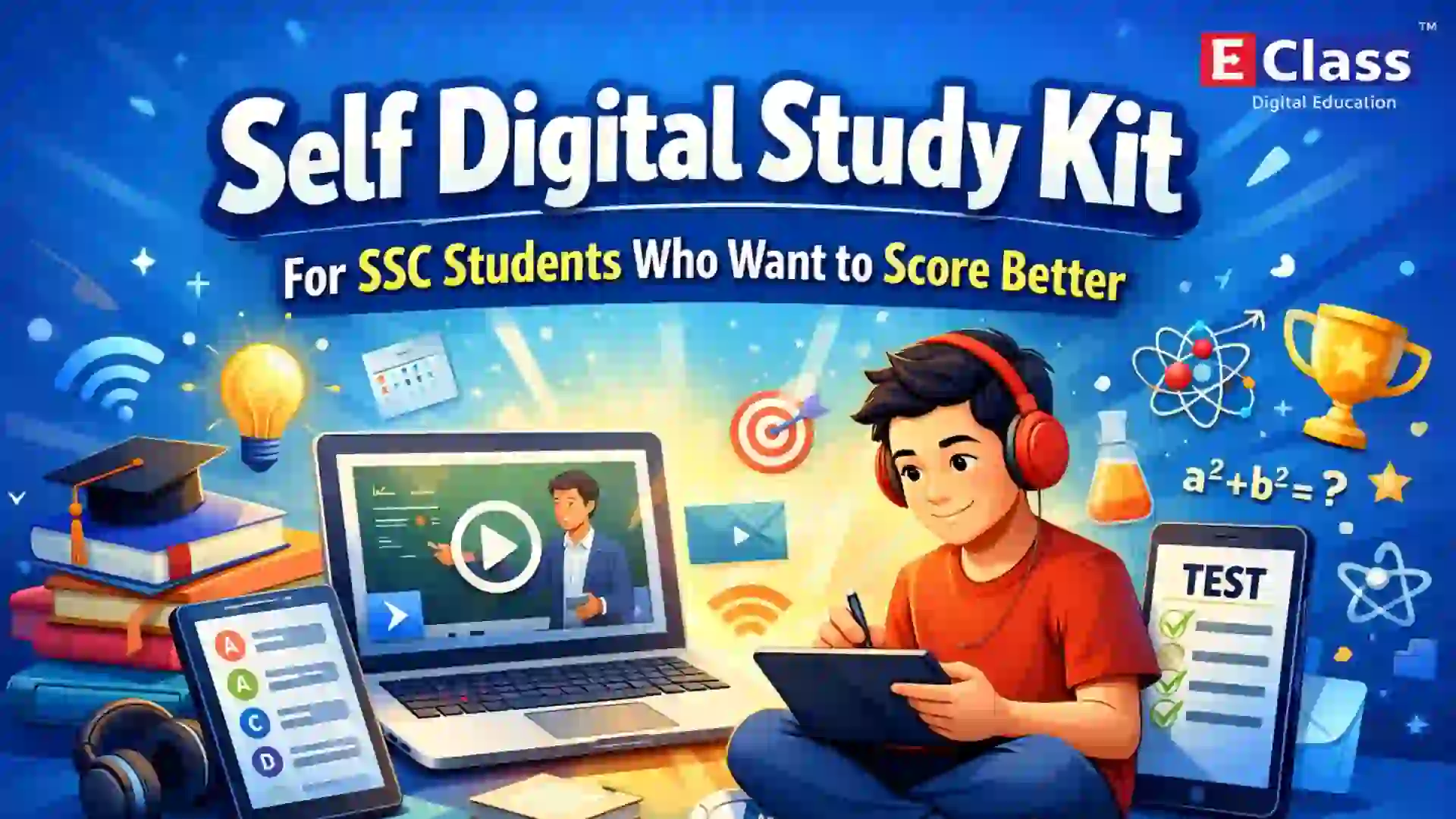
Think about how a child learns best.
Not by reading a page of text. Not by copying notes from a blackboard.
But by seeing something. By understanding it visually. By connecting what they learn to something real.
That is exactly what a digital classroom makes possible.
And yet, many schools in Maharashtra are still unsure. What exactly is a digital classroom? Is it expensive? Will it actually help our students?
This blog answers all of that. Simply. Clearly.
First What Is a Digital Classroom?
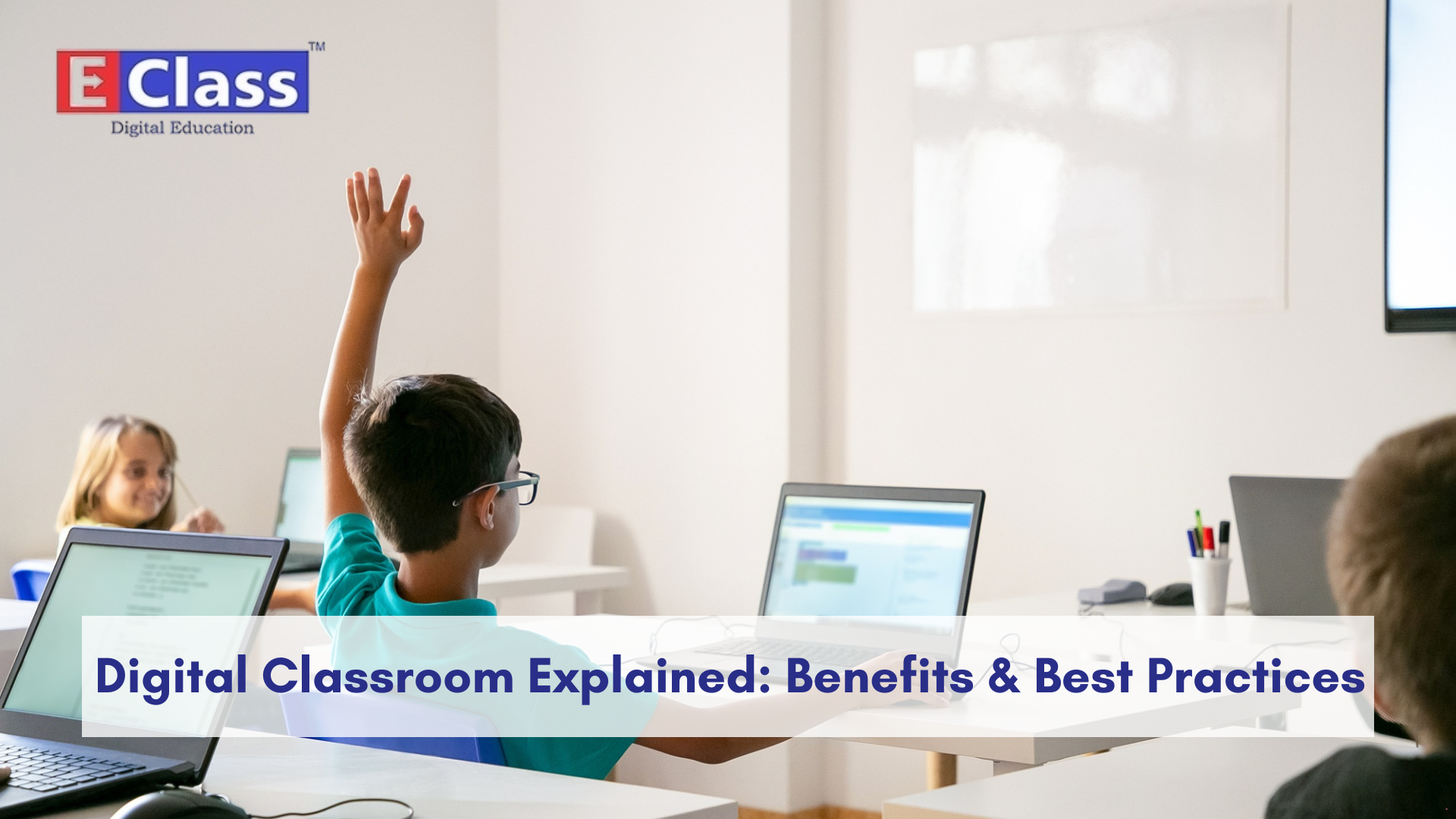
A digital classroom is a regular classroom that uses audio-visual, animated content to teach students better.
That’s it.
It is not about replacing teachers. It is not about installing expensive equipment. It is simply about making lessons more engaging, more visual, and easier to understand.
Instead of a teacher spending 20 minutes drawing a diagram on a board a short animated video explains the same concept in 2 minutes. Clearly. Accurately. In a way every student can see and follow.
The most important thing to understand is this:
A digital classroom must follow the syllabus.
It is not about showing random videos from the internet. The content must match exactly chapter by chapter, subject by subject what the teacher is supposed to teach that day.
Who Is This For?
A digital classroom helps three groups of people directly:
- Students who understand concepts better through visuals and animation
- Teachers who get better tools to explain and engage
- Schools who see improved results and better student participation
Whether it is a government school or a private institution, the benefit is the same.
The Real Benefits In Simple Words
1. Visual Learning Works Better
The brain processes images much faster than plain text.
When a Class 7 student watches an animated video of how a volcano erupts with labels, movement, and sound versus reading two paragraphs about it, the understanding is on a completely different level.
- History feels like a story
- Science becomes something you can see
- Geography maps come alive
- Maths problems are solved step by step
Students stop mugging up. They start understanding.
2. Teachers Become More Effective
It is important that digital classrooms do not replace teachers.
They make teachers better.
When a teacher has ready, high-quality content for every chapter, they spend less time on repetitive explanations. They spend more time on what matters, asking questions, encouraging discussion, and connecting with students.
The teacher is always in control. Technology is just the tool in their hand.
3. Students Can Learn at Their Own Pace
In a class of 40 students, a teacher cannot stop and repeat for one student without losing the rest.
But with digital content at home, a student can:
- Revisit a chapter as many times as needed
- Pause and replay a difficult concept
- Practice with MCQs and self-tests
- Learn without pressure or embarrassment
This quietly but powerfully closes learning gaps over time.
4. Schools See Better Results
Schools that implement digital classrooms regularly report:
- Higher student engagement in class
- Better performance in Science, Maths, and Geography
- Improved attendance because students actually look forward to school
- More syllabus completion on time
When learning is interesting, everything else follows.
5. Progress Can Be Tracked
Modern digital classroom systems come with reporting dashboards.
Schools can see:
- Which chapters have been covered
- How often the content is being used
- How individual students are performing
This data helps teachers and principals make better decisions and ensures the system is actually delivering value.
What Tools Does a Digital Classroom Need?
Here is the good news: it does not need a server room, a computer lab, or expensive wiring.
Here is what it actually needs:
1. Curriculum-Aligned Animated Content The most important part. Content that covers every subject, every chapter, from Class 1 to Class 10 exactly as per the Maharashtra State Board syllabus. This includes:
- Chapter explanation videos (2D and 3D)
- Mind map videos for quick revision
- MCQ practice sets
- PDF notes and Q&A videos
2. Simple Hardware A TV or projector connected to an Android media box with a pen drive or SD card. That’s it. A teacher controls everything with a remote. No IT team needed.
3. Offline Access This is non-negotiable for Indian schools.
Internet connectivity in classrooms is not always reliable. The system must work completely offline so teaching is never interrupted by a dropped connection.
4. Student Access at Home Learning should not stop at the school gate.
Students can continue at home through:
- A self-study kit (pre-loaded device)
- An SD card for their tablet or mobile
- A learning app that works offline
When a child can revise the same animated lesson they saw in class, retention improves dramatically.
5. A Reporting Dashboard Schools should be able to see how the system is being used, which teachers are using it, which chapters are covered, and how students are progressing.
Best Practices Every School Should Follow
Buying the right technology is only half the job. How you use it makes all the difference.
Match content to your syllabus always Before adopting any solution, check that the content matches your Board, standard, and medium of instruction.
Make it a daily habit not an occasional event A digital classroom used twice a month has very little impact. Integrate it into everyday teaching for new chapters, concept explanations, and pre-exam revision.
Use it as a teaching companion not a replacement The best approach: play a segment, pause it, ask questions, discuss what students observed, then continue. The teacher always leads. Technology supports.
Give students access at home Schools that provide home access through kits, apps, or SD cards see significantly stronger outcomes.
Review usage reports regularly Check monthly. Which teachers are using it? Which classrooms? Is the syllabus on track? Data keeps the system honest.
Keep it simple for teachers If a system needs hours of training, it will not be used. The best systems are intuitive and any teacher can start using it within minutes.
Common Mistakes Schools Make
Avoid these they are more common than you think.
Buying hardware without the right content Projectors and tablets mean nothing without syllabus-aligned content. Technology is the vehicle. Content is the fuel.
Choosing internet-dependent solutions If the system doesn’t work when the internet is down, it simply won’t be used. Always go offline-first.
Treating it as a one-time installation A digital classroom needs regular use, content updates, and follow-through. Set-and-forget does not work.
Not training teachers properly Even the simplest system needs a short onboarding. Teachers who understand why they are using a tool will use it. Teachers who feel it was imposed on them will not.
To Sum It Up
A digital classroom is not complicated. It is not out of reach.
It is simply a smarter way to teach and a better way for students to learn.
When it is practical, offline-ready, syllabus-aligned, and easy to use, the impact is real:
- Students understand more
- Teachers teach better
- Schools see stronger results
That is the whole idea.
E-Class has been building digital classroom solutions for Maharashtra schools since 2009. Our content covers every chapter, every subject, for Classes 1 to 10 completely offline, fully aligned with the State Board syllabus, and simple enough for any teacher to use from day one.
Over 2,000 schools and 10 lakh+ students have already made the shift.
Frequently Asked Questions
1. What is a digital classroom in simple terms?
A digital classroom is a regular classroom that uses animated videos and digital content to make lessons easier to understand. It works alongside the teacher not instead of them.
2. Does a digital classroom require the internet?
No. The best digital classroom solutions work completely offline. All content is stored locally, so teaching is never interrupted by poor connectivity.
3. Is it expensive to set up a digital classroom?
Not at all. You only need a TV or projector and an Android media box. There is no server room, no wiring, and no heavy infrastructure required.
4. Will it replace teachers?
Absolutely not. A digital classroom is a tool in the teacher’s hands. It makes their job easier and their lessons more effective teachers remain fully in charge of every session.
5. Is the content aligned with the Maharashtra State Board syllabus?
Yes. Good digital classroom content follows the exact syllabus chapter by chapter, subject by subject so teachers do not have to spend extra time aligning it with what they teach.
6. Can students use it at home too?
Yes. Through a self-study kit, SD card, or a learning app, students can revisit the same content at home. This helps them revise at their own pace and understand better before exams.
7. How do schools know if it is actually being used?
Most digital classroom platforms include a reporting dashboard. Schools can track chapter coverage, teacher usage, and student progress making it easy to measure real impact.